
What Smart Home Devices Can — and Cannot — Do

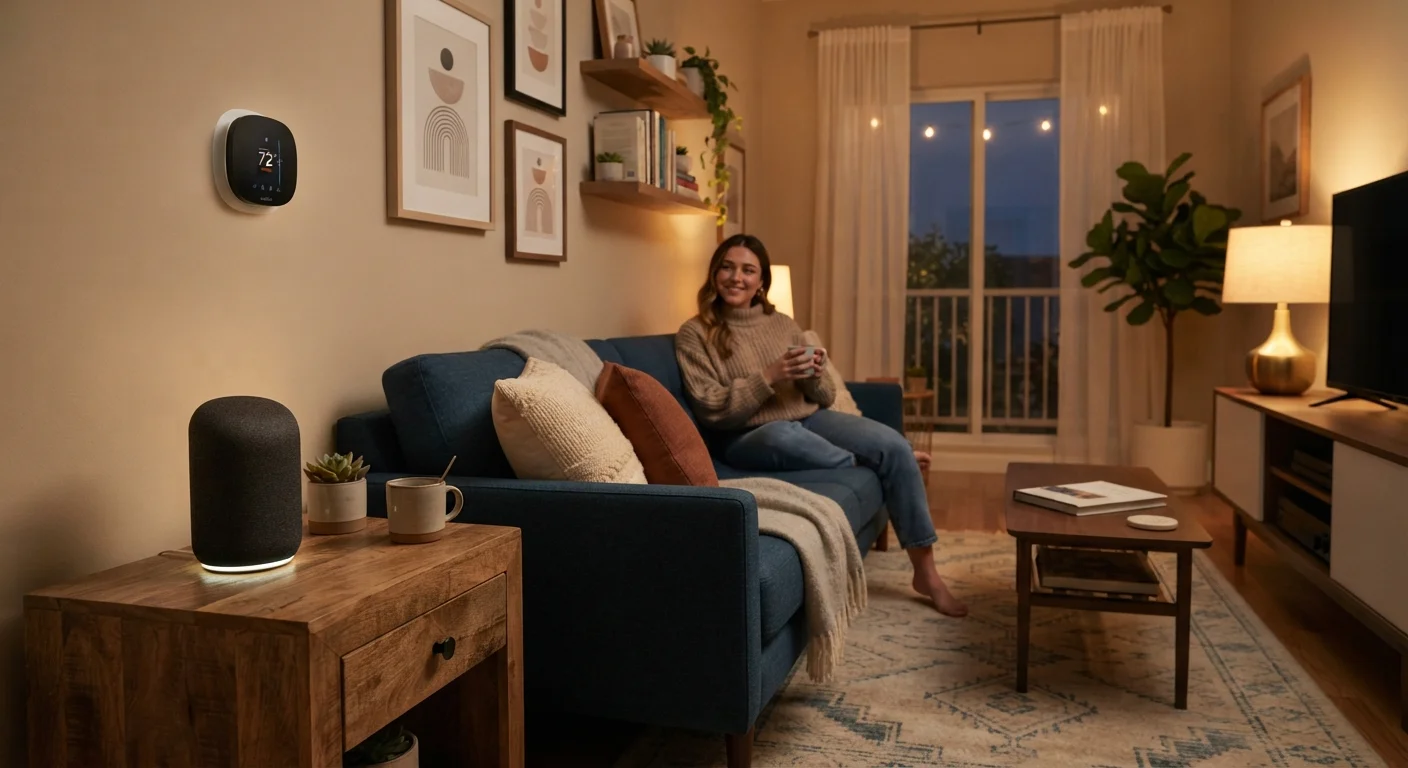
Photo: TotemBuzz.com | Your Lifestyle Companion editorial
Key Takeaways
- Smart home devices automate routines and can be controlled remotely, but require a stable Wi-Fi connection to work reliably.
- Most devices collect some usage data; reviewing privacy settings is an important first step after setup.
- Compatibility between devices from different brands is not guaranteed and depends on supported platforms.
- Smart devices assist with convenience and efficiency — they do not replace professional services or eliminate human oversight.
Automates repetitive daily tasks reliably
Scheduled lighting, automatic thermostat adjustments, and timed plugs can reduce the mental load of managing routine home tasks without requiring constant input.
Remote control via smartphone app
Most smart devices allow you to check status and make adjustments from anywhere with an internet connection, offering genuine flexibility for people who travel or have irregular schedules.
Can reduce energy use with smart scheduling
Smart thermostats and plugs can be set to operate only when needed, potentially reducing wasted electricity — though results vary widely by household and usage habits.
Voice control adds hands-free convenience
Integration with voice assistants means you can control compatible devices without reaching for a phone, which is practically useful in the kitchen or when mobility is limited.
Low barrier to entry with plug-in devices
Smart plugs and bulbs require no wiring or technical expertise — they plug in and pair with an app, making them accessible for beginners without any installation risk.
Dependent on a reliable Wi-Fi connection
If your router goes offline or signal is weak in part of your home, smart devices in those areas may stop responding to app or voice commands entirely.
Cross-brand compatibility is not guaranteed
Devices from different manufacturers may not work together smoothly, even when both claim support for the same voice assistant or smart home platform. Testing before committing to an ecosystem is advisable.
Privacy trade-offs with always-on microphones
Voice-activated devices listen continuously for their wake word, and usage data may be stored by the manufacturer. Reviewing and adjusting privacy settings is an important — and often overlooked — step.
Software support may end, leaving devices outdated
Manufacturers can discontinue app support for older device models, meaning a device may still function physically but receive no security updates, which poses a long-term risk.
Setup can be more complex than advertised
Some devices require a separate hub, specific router settings, or app accounts with multi-step verification. Beginners may find the initial configuration process unexpectedly time-consuming.
What Smart Home Devices Actually Are
Smart home devices are everyday household items — speakers, plugs, light bulbs, thermostats, doorbells — upgraded with internet connectivity. That connection allows them to be controlled through a smartphone app, a voice assistant, or automated schedules, rather than only by a physical switch or button.
The core technology behind most of these devices is Wi-Fi (and sometimes Bluetooth or a separate hub). When your internet connection drops, many smart devices revert to limited or no functionality. Understanding that dependency upfront prevents frustration later.
If you're curious how device settings and connectivity work at the phone level, our decoded guide to your smartphone's settings menu is a useful companion read.
What Smart Devices Can Do Well
Used within their intended scope, smart home devices offer real, measurable benefits for everyday life.
Automates repetitive daily tasks reliably
Scheduled lighting, automatic thermostat adjustments, and timed plugs can reduce the mental load of managing routine home tasks without requiring constant input.
Remote control via smartphone app
Most smart devices allow you to check status and make adjustments from anywhere with an internet connection, offering genuine flexibility for people who travel or have irregular schedules.
Can reduce energy use with smart scheduling
Smart thermostats and plugs can be set to operate only when needed, potentially reducing wasted electricity — though results vary widely by household and usage habits.
Voice control adds hands-free convenience
Integration with voice assistants means you can control compatible devices without reaching for a phone, which is practically useful in the kitchen or when mobility is limited.
Low barrier to entry with plug-in devices
Smart plugs and bulbs require no wiring or technical expertise — they plug in and pair with an app, making them accessible for beginners without any installation risk.
~35%
U.S. households with at least one smart home device
According to Statista estimates, approximately one in three U.S. households has adopted at least one connected home device, reflecting how mainstream the technology has become.
3–5 years
Typical software support window for smart devices
Consumer advocacy organizations generally note that smart device manufacturers often provide software and security updates for roughly three to five years after a product's release.
Automation is the clearest strength. A smart thermostat can learn your preferred temperatures and adjust on its own. A smart plug can cut power to a device on a schedule, reducing phantom energy draw. Voice-controlled speakers can set timers, answer questions, and play music hands-free — genuinely helpful when your hands are full.
Remote access is another practical advantage. Forgot to turn off a lamp before a trip? Many smart plugs and switches let you control them from anywhere through an app. Some smart doorbells allow you to see and speak to visitors without being home.
Where Smart Devices Fall Short
Honest evaluation means acknowledging the limitations that marketing materials rarely highlight.
Dependent on a reliable Wi-Fi connection
If your router goes offline or signal is weak in part of your home, smart devices in those areas may stop responding to app or voice commands entirely.
Cross-brand compatibility is not guaranteed
Devices from different manufacturers may not work together smoothly, even when both claim support for the same voice assistant or smart home platform. Testing before committing to an ecosystem is advisable.
Privacy trade-offs with always-on microphones
Voice-activated devices listen continuously for their wake word, and usage data may be stored by the manufacturer. Reviewing and adjusting privacy settings is an important — and often overlooked — step.
Software support may end, leaving devices outdated
Manufacturers can discontinue app support for older device models, meaning a device may still function physically but receive no security updates, which poses a long-term risk.
Setup can be more complex than advertised
Some devices require a separate hub, specific router settings, or app accounts with multi-step verification. Beginners may find the initial configuration process unexpectedly time-consuming.
Compatibility is a recurring headache. Devices from different manufacturers do not always communicate with each other, even when they claim to support the same voice assistant. A device purchased today may lose software support within a few years, leaving it functional but unupdatable — a potential security concern.
Installation varies too. While smart plugs require no wiring, smart switches and hardwired doorbells may involve electrical work. Depending on your home's wiring, you may need a licensed electrician. For renters, renter-friendly decorating guides are worth checking before making any changes to fixtures.
Privacy and Data: What You Should Know
Smart devices that listen for a wake word — such as voice assistants — are always listening for that trigger phrase, even when not actively in use. Audio clips may be stored or reviewed to improve the underlying service, depending on the manufacturer's data policy.
Check Your Device's Privacy Settings First
Most devices allow you to review, limit, or delete collected data through their companion apps. Taking 10 minutes to explore those settings after setup is a practical habit, not an overreaction. The level of data collection varies significantly by device type and brand — reading the privacy policy summary before purchasing is a reasonable step.
Setting Realistic Expectations
Smart home technology is genuinely useful — but it works best as a layer of convenience on top of already-functioning systems, not as a replacement for them. A smart thermostat still requires a working HVAC system. A smart lock still requires a properly installed door. If underlying home systems need attention, no amount of connected tech fixes that.
If your home improvement projects are expanding alongside your tech setup, our guide to essential home repair tools covers the physical side of home upkeep. And for projects that may require official sign-off, understanding when permits are required is worth reading before you begin.
Start with one or two devices that solve a specific, recurring inconvenience. Expand only when you feel comfortable managing the app ecosystem involved. That measured approach prevents the common pitfall of a half-installed, incompatible smart home that adds stress rather than reducing it.
The content on this site is for informational purposes only and is not a substitute for professional advice. Always consult a qualified professional for guidance specific to your situation.