
Wi-Fi, Bluetooth, and Mobile Data: What Each One Actually Does

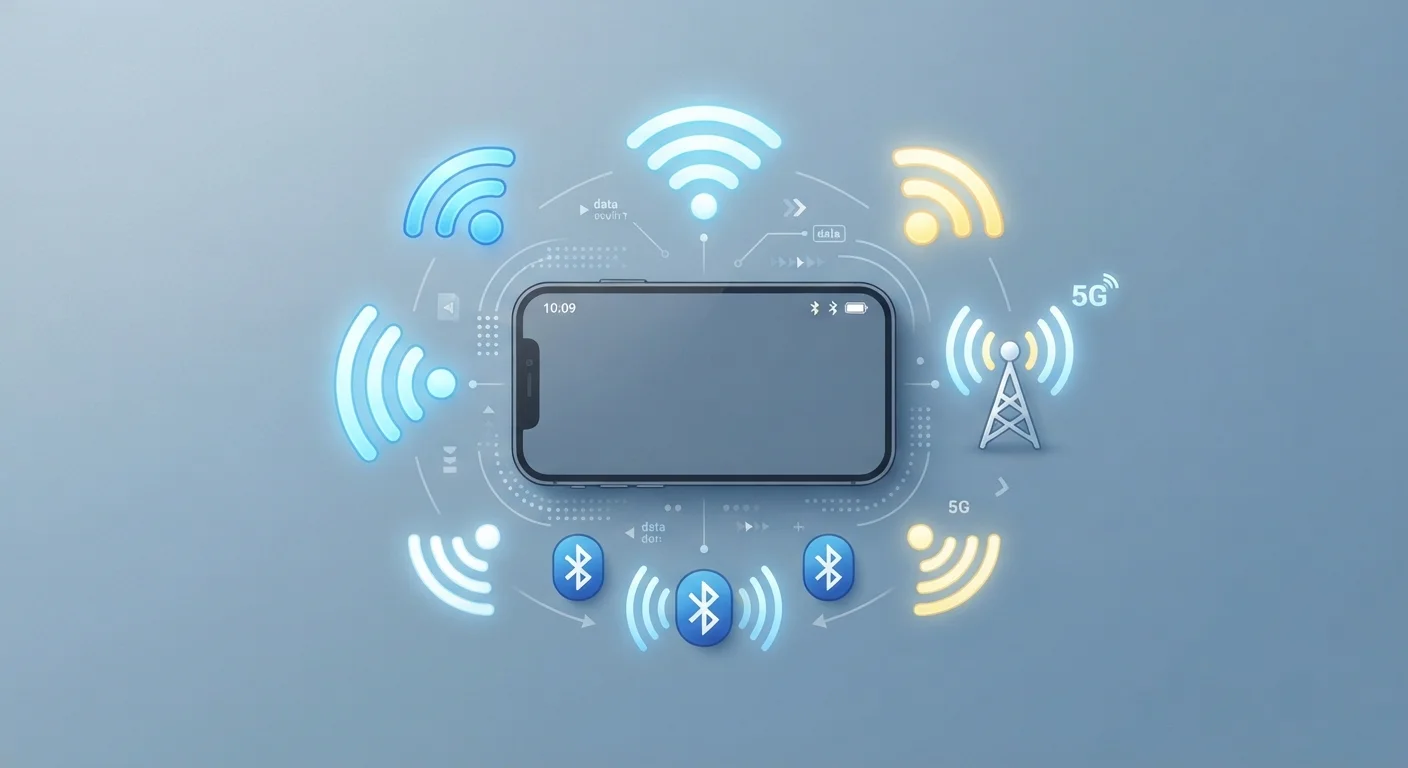
Photo: TotemBuzz.com | Your Lifestyle Companion editorial
Key Takeaways
- Wi-Fi connects your device to the internet through a local router, usually inside a home or building.
- Bluetooth links two nearby devices directly to each other — no internet required.
- Mobile data connects your phone to the internet through your carrier's cellular network.
- All three can be active at the same time without interfering with each other.
- Knowing which is active helps you manage data costs, battery drain, and privacy.
Wi-Fi: Internet Through Your Router
Wi-Fi is the technology that connects your device to the internet via a wireless router — the box your internet provider installs in your home, office, or a coffee shop. Your router receives a broadband internet signal through a physical cable, then broadcasts it wirelessly so nearby devices can connect without their own cable.
The key detail: Wi-Fi connects you to a router, not directly to the internet. The router is the bridge. This is why Wi-Fi only works within a limited range — typically within a few hundred feet of the router — and why moving too far away weakens or drops your connection.
Wi-Fi is generally the fastest and most cost-efficient way to use the internet on a device. It does not count against a mobile data plan, which makes it preferable for streaming video, downloading large files, or video calling. Most phones show the Wi-Fi symbol (a series of arching lines) in the status bar when it's active.
Turn Off What You're Not Using
For a closer look at how to control Wi-Fi and other settings on your phone, see our smartphone settings walkthrough.
Bluetooth: Direct Device-to-Device Connection
Bluetooth works completely differently from Wi-Fi. Instead of connecting to a router or the internet, Bluetooth creates a short-range, direct link between two devices — like your phone and a wireless speaker, headphones, keyboard, or fitness tracker.
The range is short — typically up to about 30 feet in everyday conditions, though walls and interference can reduce this. No internet connection is involved at all. When you pair your phone to wireless earbuds, the audio travels directly from phone to earbuds via Bluetooth, not through any network.
Bluetooth Doesn't Touch Your Data Plan
This is also why Bluetooth does not consume mobile data. It is a peer-to-peer radio link, entirely separate from your data plan or Wi-Fi connection.
Bluetooth is designed for low-bandwidth tasks: audio, peripheral input, health sensor readings, and file transfers between nearby devices. It is not meant for general internet browsing.
Mobile Data: Internet Through Your Carrier
Mobile data — sometimes called cellular data — is what connects your phone to the internet when no Wi-Fi is available. Instead of a router, it uses a network of cell towers operated by your phone carrier (such as a major national provider). Your phone communicates with the nearest tower, which routes your internet traffic through the carrier's network.
Because you're using your carrier's infrastructure, mobile data is tied to your plan. Most plans include a set amount of data per month; exceeding it may result in slower speeds or additional charges, depending on your agreement.
~300 ft
Typical indoor Wi-Fi range
Standard home routers generally cover up to about 150–300 feet, depending on walls, interference, and router capability.
~30 ft
Typical Bluetooth range
Bluetooth Classic and Bluetooth Low Energy commonly reach up to 30 feet in real-world conditions, though specifications can vary by device class.
10x
5G speed advantage over 4G LTE
Under ideal conditions, 5G networks can theoretically deliver speeds up to ten times faster than 4G LTE, according to general industry figures, though real-world results vary.
The terms 4G and 5G describe the generation of cellular technology your carrier uses. 5G offers faster speeds and lower latency where available, but coverage is still expanding in many regions. Your phone's status bar typically shows a small indicator (LTE, 4G, 5G) to show which type of connection is active.
Understanding how these three technologies interact is one of the building blocks of navigating modern devices confidently. For more foundational terms, our tech glossary for beginners covers the broader vocabulary you'll encounter. And if you're thinking about how wireless connections relate to data privacy, it's worth reading about how technology collects data in the background.
Frequently Asked Questions
The content on this site is for informational purposes only and is not a substitute for professional advice. Always consult a qualified professional for guidance specific to your situation.