
Tablet or Laptop: Which One Fits Your Daily Life?

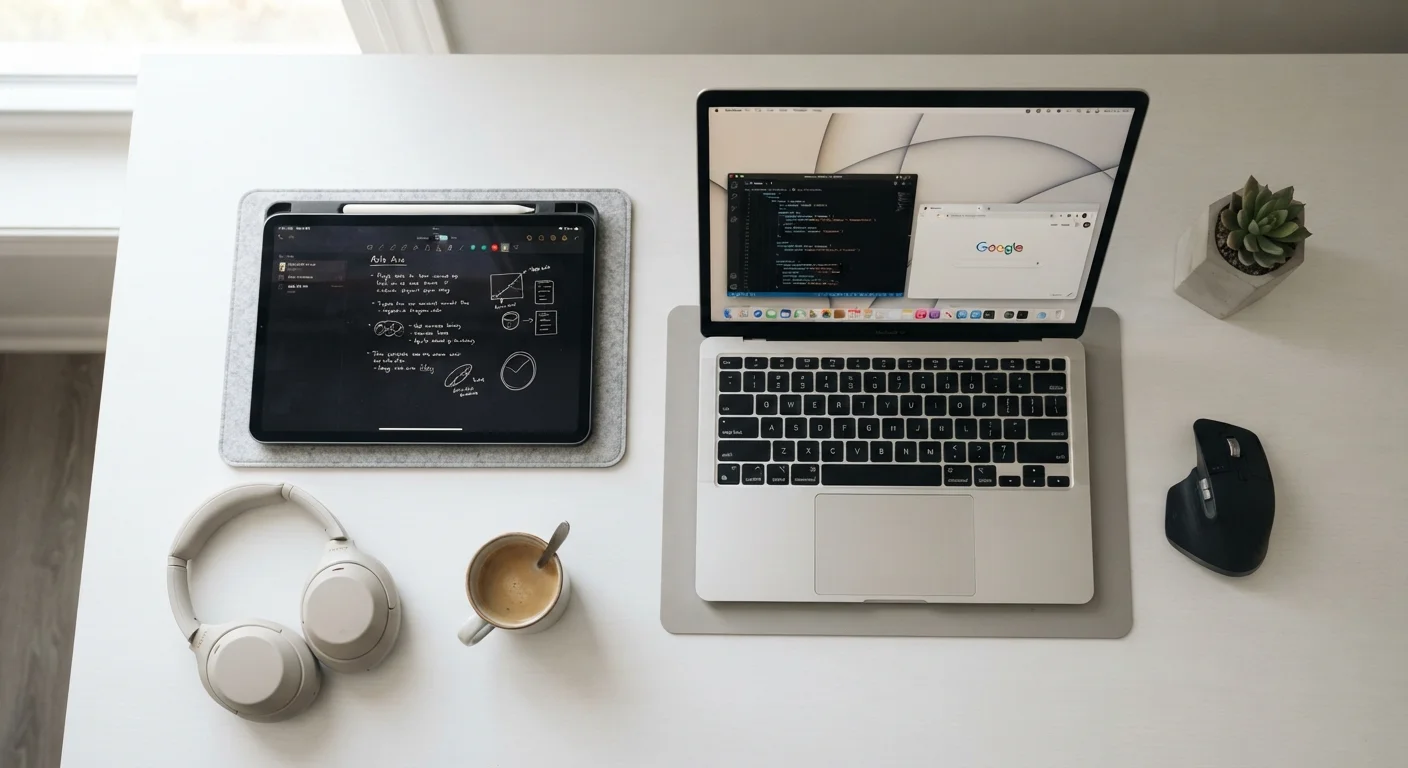
Photo: TotemBuzz.com | Your Lifestyle Companion editorial
Key Takeaways
- Tablets excel at portability, media consumption, and light everyday tasks.
- Laptops handle demanding work like document creation, coding, and multitasking more reliably.
- Your choice depends on how you split time between consuming content and creating it.
- Many users find that one device covers 90% of their needs — knowing which requires honest self-assessment.
- Both devices benefit from consistent maintenance habits to stay fast and secure over time.
What Each Device Is Actually Built For
At their core, tablets and laptops are designed around different assumptions about how people use technology. A tablet is a touchscreen-first device — typically lightweight, fanless, and optimized for consuming content: watching video, reading, browsing social media, and light communication. A laptop pairs a physical keyboard with a more powerful processor and a traditional desktop-style operating system, making it the go-to tool for creating and managing content.
The line has blurred somewhat. Many tablets now support detachable keyboards and stylus pens, while ultrabooks have become remarkably thin and portable. Even so, the underlying design priorities remain distinct, and those differences matter when you map them against real daily habits.
Think about the last week of screen time you had. Were you mostly watching, scrolling, and reading — or were you writing documents, managing spreadsheets, editing photos, or jumping between multiple open applications? That honest picture is more informative than any spec sheet.
Where Tablets Have a Clear Advantage
Tablets consistently win on a handful of practical dimensions:
- Portability and weight: Most tablets weigh under two pounds. Slipping one into a bag alongside a book or water bottle barely registers — a meaningful difference if you commute or travel frequently.
- Battery life: Tablets often run 10–12 hours or more between charges because their processors are optimized for efficiency over raw power.
- Ease of use for touch-based tasks: Browsing, video calls, e-reading, and app-based activities feel natural on a touchscreen. For older adults or younger children encountering devices for the first time, a tablet's simplicity can lower the learning curve significantly.
- Entertainment and media: A high-quality tablet display makes streaming video or reading digital books genuinely enjoyable.
Consider a Keyboard Accessory First
If you are trying to decide whether a tablet works for budget tracking as well, see how digital tools stack up in our comparison of spreadsheet vs. app vs. paper ledger.
Where Laptops Hold the Edge
For anyone whose daily tasks lean toward creation and productivity, a laptop generally remains the more capable choice:
- Full keyboard and trackpad: Extended typing — emails, essays, reports — is simply faster and more comfortable on a physical keyboard. Touch keyboards, even well-designed ones, slow most people down over long sessions.
- Multitasking: Laptop operating systems (Windows, macOS) are built for running multiple applications side by side. If you regularly switch between a browser, a word processor, and a spreadsheet, a laptop handles that more fluidly.
- Software breadth: Some professional software — certain design tools, accounting platforms, and development environments — either runs only on a full desktop OS or performs poorly in a tablet app version.
- File management: Organizing, renaming, and moving files between folders is more straightforward on a laptop's traditional file system.
| Tablet | Laptop | |
|---|---|---|
| Average weight | 1–2 lbs | 3–5 lbs |
| Typical battery life | 10–14 hours | 6–12 hours |
| Input method | Touchscreen (keyboard optional) | Physical keyboard + trackpad |
| Multitasking capability | Limited | Strong |
| Software compatibility | App-based, some gaps | Full desktop software |
| Best for | Consuming content | Creating content |
| Learning curve | Generally lower | Moderate for beginners |
Once you have your device, building simple maintenance habits keeps it running well. Our guide to everyday device maintenance covers practical steps for both tablets and laptops.
Questions to Ask Before You Decide
Rather than focusing on specifications, work through these practical questions:
- Do you type for more than 30 minutes a day? If yes, a physical keyboard is likely worth having — either via a laptop or a quality keyboard accessory for a tablet.
- Do you use any specific software? Check whether that program is available as a full-featured app on a tablet's operating system before assuming it will work.
- Where do you use a device most? A couch, a commute, and a bed favor a tablet. A desk or a library table favors a laptop.
- What is your storage and connectivity need? Laptops generally offer more local storage and a wider range of ports (USB-A, HDMI, SD card slots). Tablets often rely on cloud storage and wireless connections.
- Is this your only device? If you already own a smartphone, a tablet's overlap with phone functionality is worth considering. If this replaces a desktop, a laptop's full OS may be essential.
Making this kind of structured comparison before committing is a habit worth applying broadly — just as it helps to think through trade-offs when deciding between carry-on and checked luggage or other everyday decisions where the right answer depends on your specific situation.
The content on this site is for informational purposes only and is not a substitute for professional advice. Always consult a qualified professional for guidance specific to your situation.