
Why Your Phone or Laptop Slows Down Over Time

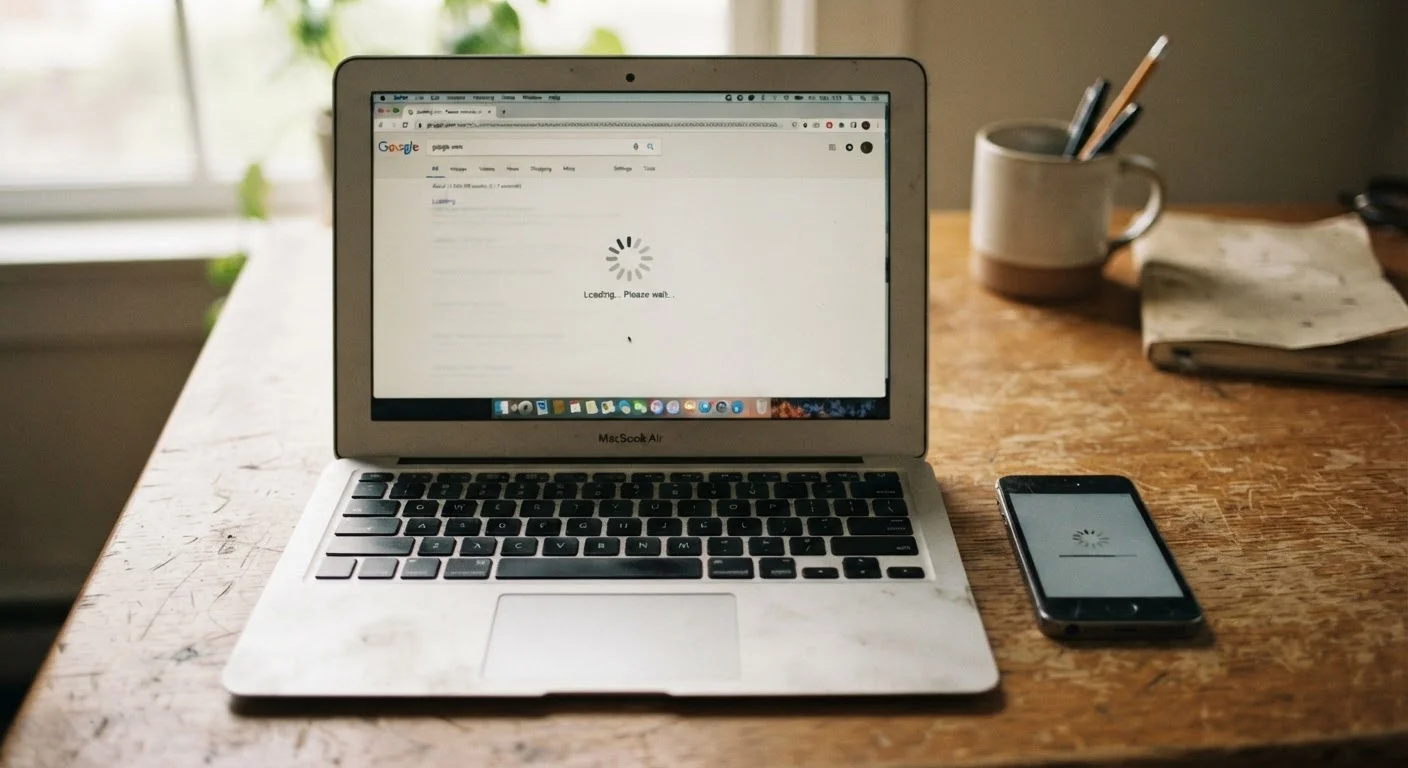
Photo: TotemBuzz.com | Your Lifestyle Companion editorial
Key Takeaways
- Software updates often demand more from hardware than older devices can comfortably deliver.
- A full storage drive significantly reduces a device's ability to process tasks quickly.
- Background apps and processes consume memory and processing power even when you're not using them.
- Battery degradation can cause a device to throttle its own performance to protect itself.
- Simple maintenance habits can meaningfully extend a device's useful life.
Software Gets Heavier; Hardware Stays the Same
Every time your operating system or an app updates, it gains features, security patches, and a larger footprint. The code running on your device today is almost certainly more complex than what was installed when it was new. Your hardware — the processor, memory chips, and storage — doesn't improve alongside it.
This mismatch is one of the most common causes of perceived slowdown. A smartphone that handled its original software with ease may struggle when that same software has gone through three or four major version upgrades. The processor isn't getting slower, but the demands placed on it are growing.
Updates Aren't Designed to Slow Your Device
Storage Filling Up Creates a Bottleneck
Think of your device's storage like a desk workspace. When it's nearly covered in papers, it becomes hard to get anything done efficiently. Operating systems need free space to write temporary files, manage virtual memory (a backup for when physical RAM runs out), and perform routine maintenance tasks.
When storage climbs above roughly 85–90% of its capacity, these background processes start competing for the same limited space. The result: tasks that once happened instantly now take noticeably longer. This is especially common on devices that shipped with modest storage and accumulate years of photos, apps, and downloads.
85–90%
Storage threshold where slowdowns become common
Most operating systems, including Windows and Android, rely on free disk space for virtual memory and temporary file management — performance degrades noticeably as drives approach capacity.
~500 cycles
Typical lithium-ion battery design lifespan
Battery manufacturers generally rate lithium-ion cells to retain around 80% of original capacity after approximately 300–500 full charge cycles, after which degradation accelerates.
3–5 years
Average smartphone software support window
Most major mobile operating systems provide security and feature updates for around 3 to 5 years after a device's release, after which software demands may outpace aging hardware.
Background Processes and App Bloat
Modern apps don't just sit quietly when you're not using them. Many check for notifications, sync data, run location services, or refresh content in the background. Over time, as you install more apps, the number of these background processes multiplies — each one taking a small bite out of your available memory and processing capacity.
On both phones and laptops, this accumulation of background activity is often invisible to the user but has a real impact on performance. Devices with limited RAM are particularly vulnerable, as they have less capacity to juggle simultaneous tasks without slowing down.
See our guide to background data collection to understand exactly what your apps are doing when you're not looking.
Battery Wear and CPU Throttling
Rechargeable batteries degrade with every charge cycle. A battery that once held a full charge gradually loses that capacity — this is chemically inevitable with lithium-ion technology, which powers most modern phones and many laptops.
What's less obvious is that battery health affects speed, not just runtime. To prevent unexpected shutdowns caused by a weak battery unable to deliver peak power, many devices automatically throttle the processor — meaning they intentionally slow it down. Your phone may feel sluggish not because the chip has worn out, but because the battery can no longer reliably power it at full speed.
Check Your Battery Health in Settings
What You Can Do About It
Understanding these causes makes it easier to address them. Clearing storage, uninstalling unused apps, restarting your device regularly, and checking your battery health are practical starting points that cost nothing. Many devices have built-in tools in their settings menus to identify which apps are consuming the most resources.
For deeper guidance, our article on everyday device maintenance habits walks through low-effort routines that help phones and laptops stay responsive over the long term. Some slowdowns are reversible with a bit of housekeeping — others signal that a device is approaching the end of its useful life, and that's useful information too.
Frequently Asked Questions
The content on this site is for informational purposes only and is not a substitute for professional advice. Always consult a qualified professional for guidance specific to your situation.