
Common Password Habits That Put Your Accounts at Risk

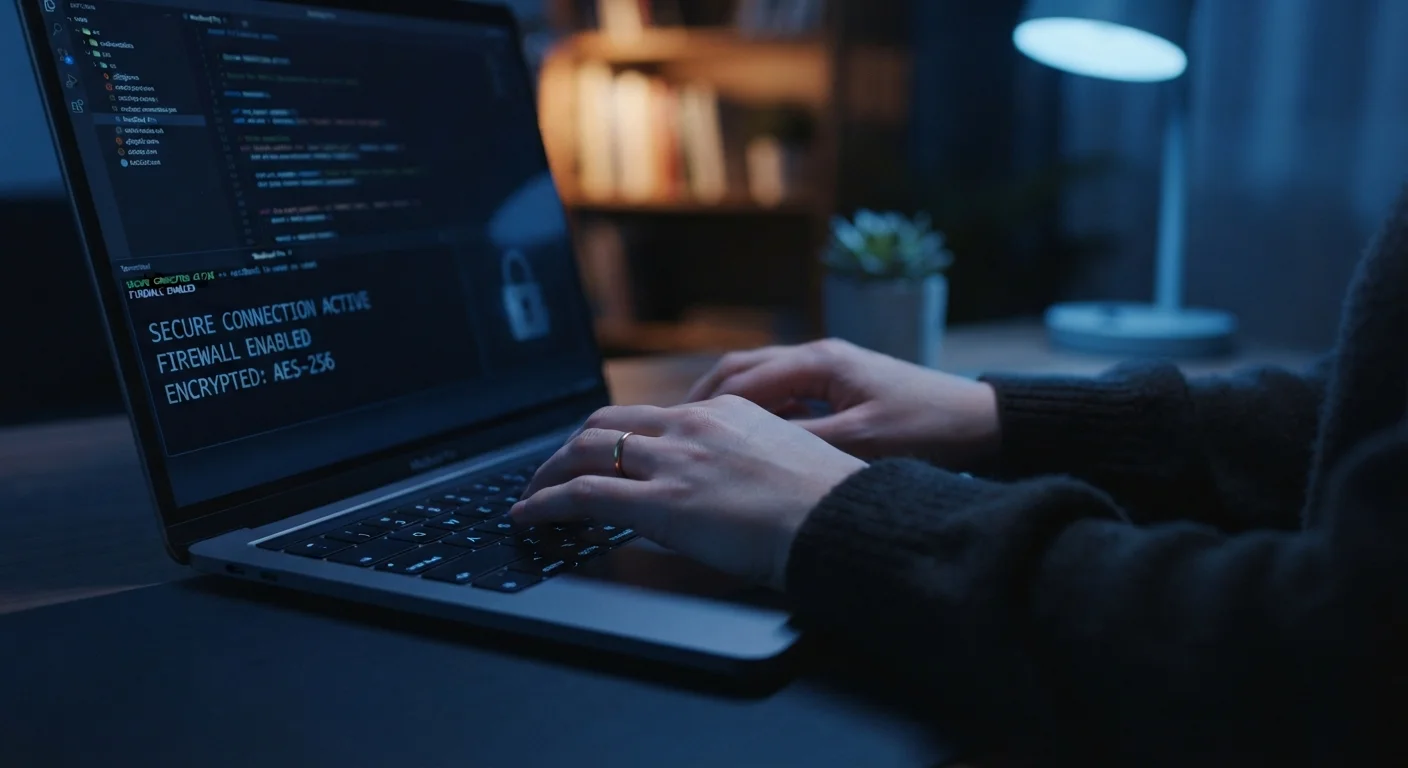
Photo: TotemBuzz.com | Your Lifestyle Companion editorial
Key Takeaways
- Reusing the same password across multiple accounts is one of the most widespread and dangerous habits.
- Short, simple passwords can be cracked in seconds using automated tools — length and complexity matter.
- A password manager is the most practical solution for most people who struggle to remember strong passwords.
- Two-factor authentication adds a critical second layer of protection even if a password is compromised.
- Security questions and 'remember me' features can create hidden vulnerabilities on shared devices.
Why Password Habits Matter More Than Most People Realise
Most people think of a password as a formality — a quick gate before you get to the content you actually want. In practice, your password is often the only barrier between a stranger and your email, finances, health records, or personal messages. When that barrier is weak, everything behind it is vulnerable.
The good news is that the most dangerous password habits are well-understood and entirely fixable. You don't need to be technically skilled to protect yourself — you need to recognise the patterns that create risk and make a few straightforward changes. This is especially worth thinking about alongside other digital safety practices, like what you do before connecting to a public Wi-Fi network.
Your Password May Already Be Exposed
The Most Common Mistakes — and How to Fix Them
The habits below are widespread across all age groups and experience levels. Each one is easy to understand and — once you know it — equally easy to correct.
Reusing the same password across multiple accounts.
Using short passwords or obvious phrases like 'password123' or a pet's name.
Never changing passwords, even after a known breach.
Skipping two-factor authentication (2FA) because it feels like extra hassle.
Using easily guessable security question answers — like a real mother's maiden name or actual hometown.
Saving passwords in a browser on shared or public computers.
If your family shares devices or accounts, these habits apply to everyone in the household. Building safer password practices together is a practical step covered in broader family life tips for everyday digital routines.
Getting Started With Stronger Password Practices
The single most effective change most people can make is adopting a password manager. These tools generate, store, and autofill strong unique passwords so you never have to remember them yourself. Most are available as browser extensions and mobile apps, and many offer free tiers with sufficient features for personal use.
Beyond the password manager, enabling two-factor authentication on your most sensitive accounts takes only a few minutes to set up and dramatically reduces the chance that a stolen password alone can unlock your account. Think of it like a deadbolt added to a door that already has a lock.
80%+
Of breaches involving stolen credentials
According to Verizon's Data Breach Investigations Report, the majority of hacking-related breaches involve compromised or weak passwords.
< 1 sec
Time to crack a 6-character password
Security researchers estimate that a simple six-character password using only lowercase letters can be cracked almost instantly with modern tools.
Strong digital habits don't exist in isolation. The same discipline that helps protect your accounts online also supports other areas of your financial life — for instance, spotting subscription traps before they quietly drain your account.
Start with the account that matters most — usually your primary email, since it's the recovery route for almost everything else — and work outward from there. Small, consistent improvements matter far more than waiting for the perfect moment to overhaul everything at once.
The content on this site is for informational purposes only and is not a substitute for professional advice. Always consult a qualified professional for guidance specific to your situation.