
Cloud Storage vs. Device Storage: Where Does Your Stuff Actually Live?

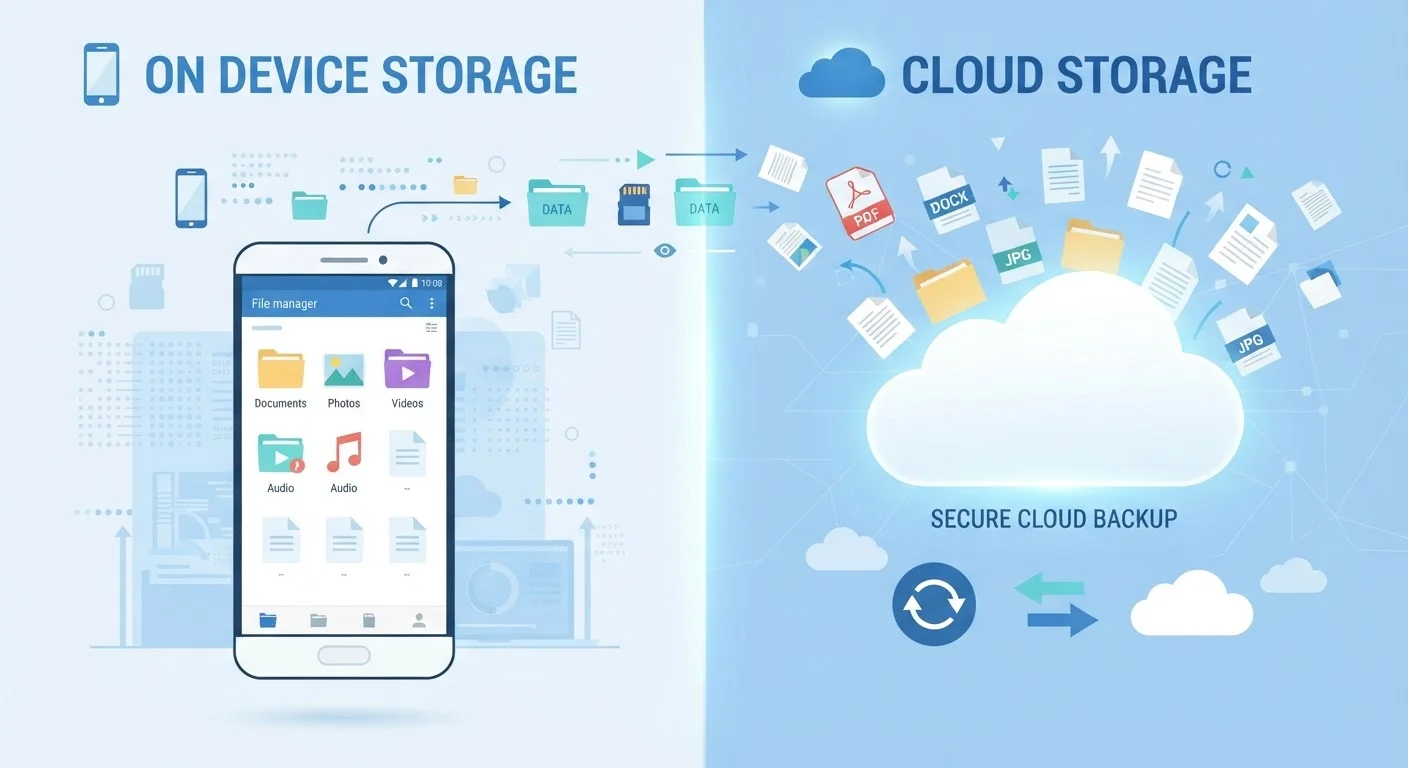
Photo: TotemBuzz.com | Your Lifestyle Companion editorial
Key Takeaways
- Device storage saves files directly on your hardware; cloud storage saves them on remote servers via the internet.
- Device storage works without internet but is lost if your hardware is damaged or stolen.
- Cloud storage requires an internet connection to access and often involves an ongoing subscription.
- Most people benefit from using both approaches together rather than choosing one exclusively.
- Privacy considerations differ: cloud providers can access server data under their terms of service.
What Does 'Storage' Actually Mean?
When you save a photo, download a document, or install an app, that data has to live somewhere physical — even if it doesn't feel that way. Device storage means the data is written to a chip or drive inside your phone, tablet, or computer. Cloud storage means the data is sent over the internet and saved on a server in a data center, which could be located anywhere in the world.
Think of device storage like a filing cabinet in your home: it's always there, you control it, and you don't need anyone else's help to open it. Cloud storage is more like a storage unit across town: convenient, scalable, and accessible from any location — but you need to travel there (via internet), and someone else manages the facility.
Understanding this distinction matters because it affects what happens to your files when your phone breaks, your laptop is stolen, or your internet goes down.
How Device Storage Works
Every device ships with a built-in amount of storage, measured in gigabytes (GB) or terabytes (TB). When you take a photo or save a file, it is written to that internal storage — or, on some devices, to a removable memory card. No internet connection is involved.
The key advantage is reliability without connectivity. Your files are accessible even when you're on a plane, in a remote area, or experiencing an outage. Speed is also a factor: reading and writing files locally is typically faster than uploading or downloading from the cloud.
The limitations are equally clear. Device storage is finite — once it's full, you can't save more without deleting something or adding external hardware. More critically, if your device is lost, stolen, or damaged beyond repair, the files on it may be permanently gone unless you've made a separate backup. See our everyday device maintenance guide for habits that help protect what's on your hardware.
| Criterion | Device Storage | Cloud Storage |
|---|---|---|
| Where files live | Inside your hardware | On remote servers |
| Internet required | No | Yes, to sync or access |
| Access across devices | Limited; manual transfer needed | Automatic, any device |
| Risk if device is lost | Files may be permanently lost | Files remain accessible |
| Storage limit | Fixed by hardware | Expandable via subscription |
| Cost | One-time hardware cost | Often subscription-based |
| Privacy control | Fully local; user controls access | Subject to provider terms |
| Speed | Fast; no upload/download delay | Depends on internet speed |
How Cloud Storage Works
Cloud storage services — examples include the category of services like iCloud, Google Drive, and similar platforms — send your files over the internet to servers maintained by a provider. Once uploaded, those files can be accessed from any device with internet access and your account credentials.
This creates real flexibility: a document you save on your work laptop appears on your phone automatically. Lose your device? Log in to a new one and your files are still there. Many services also maintain version history, meaning you can recover an earlier version of a document you accidentally changed.
The trade-offs are worth understanding clearly. You need internet access to upload, download, or sync files. Some services offer limited offline access, but that requires advance setup. Most cloud storage plans are subscription-based, so free tiers have storage caps, and larger storage requires ongoing payment — worth understanding in the same way you'd consider any digital subscription. See our guide to digital subscriptions for more on how those payment models work.
Offline Access in Cloud Apps
Privacy: An Important Consideration
A question beginners don't always think to ask: who else can see my cloud files? When data lives on a provider's servers, it's subject to that provider's terms of service and applicable law. Providers may scan content for policy violations, and government agencies can sometimes request access through legal processes.
This doesn't mean cloud storage is unsafe — providers use strong encryption during transfer and at rest — but it does mean your files are not entirely under your exclusive control. If privacy is a significant concern for certain files, keeping them on local storage may be preferable. For a broader look at how technology collects data, see our article on how apps and devices collect data in the background.
93%
Adults who have experienced data loss
According to a commonly cited figure in data recovery industry surveys, the vast majority of users have lost files at some point — underscoring the value of backup strategies.
~15 GB
Typical free cloud storage tier
Many major cloud storage services offer around 15 GB of free storage before requiring a paid subscription for additional space.
Which Approach Should You Use?
For most everyday users, the practical answer is both. Device storage handles files you need offline or want to keep private. Cloud storage provides backup protection and cross-device access. Many operating systems now blend the two automatically — for instance, syncing recent photos to the cloud while keeping some cached locally.
If you're deciding where to store something specific, a few questions help clarify the choice: Do you need it available without internet? Does it contain sensitive personal information? Would you be devastated to lose it? If you answered yes to the last question, cloud backup (or an external drive) is a strong safety net regardless of where the primary copy lives.
The bigger principle here mirrors how people think about financial habits: diversification reduces risk. Relying on only one storage method — just like relying on a single financial strategy — leaves you exposed if that method fails. Just as our comparison of saving and investing illustrates that two different tools serve different purposes, device and cloud storage each earn a place in a well-rounded digital routine.
The content on this site is for informational purposes only and is not a substitute for professional advice. Always consult a qualified professional for guidance specific to your situation.